추천 이미지 뷰어 & 에디터 - Zoner Photo Studio 14 pro
드디어 맘에 꼭 드는 이미지 뷰어를 찾았다.
그동안 무수한 이미지 뷰어를 설치하고 테스트 해보았으나 딱 맘에 드는 것이 없었다.
작년에 Zoner Photo Studio의 Free 버전을 잠깐 사용하다가 뭔가 2% 부족한 점이 있어서
다시 오랜 친구인 FastStone ImageViewer 로 돌아갔다.
그러면서도 다른 이미지 뷰어 프로그램이 버전업 할 때마다 혹시나 하면서 계속 테스트를 해보았었다.
어제 Zoner Photo Studio Pro 버전을 다시 테스트해보다가 정말 깜짝 놀랐다.
가볍고 편하고 브라우저 기능이 엄청 풍부하면서도 상당히 직관적으로 사용할 수 있고,
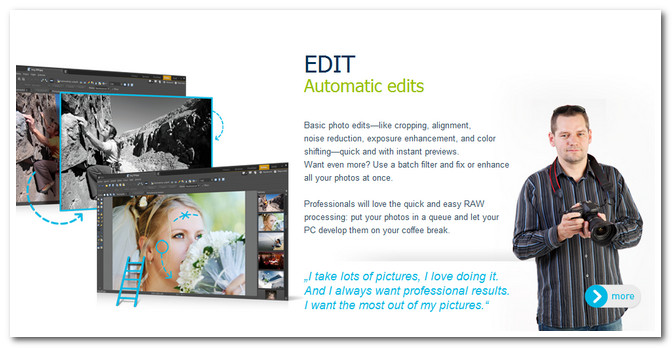
게다가 RAW를 포함한 이미지 보정작업 역시 최상의 기능과 인터페이스를 제공하고 있다.
이미지 뷰어와 간단한 이미지 작업은 Zoner Photo Studio Pro 에서 하고
보다 정밀한 보정이 필요하면 포토샵으로 넘겨서 계속 작업을 하면 최상인 것 같다.
Zoner Photo Studio는
manager (이미지관리) / Viewer (이미지뷰어) / Editor (이미지편집) / Raw (로우작업) 의 4가지 작업 `모듈을 제공한다.
JPEG 이미지를 RAW 패널에서 편집할 수 있게 설정을 바꾸면 더욱 풍부한 편집작업을 할 수 있다.
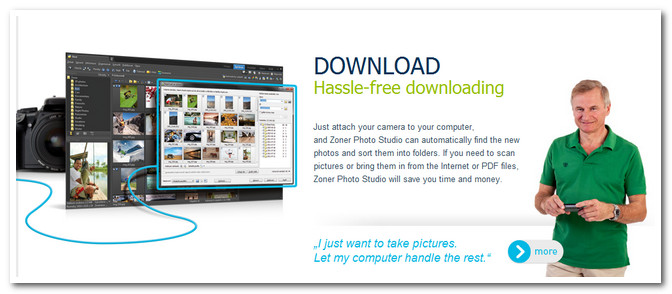
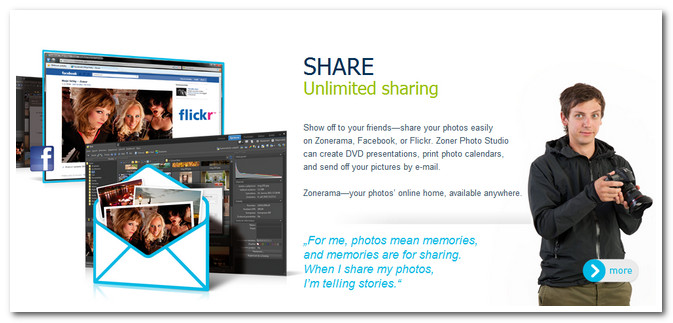
물론 사진을 가져오고 외부로 보내는 기능이 제공되며 피카사, 페이스북, 플리커 등 SNS과도 쉽게 연계가 된다.
Zoner Photo Studio 14 all-in-one work with photographs
[다운로드]
다운로드는 Zoner Photo Studio홈페이지에서 시험판을 설치하여 사용해본 후에
맘에 들면 적당한 과자를 구해서 사용하시면 된다. ^^
아무튼 전 5년째 잘 사용하던 FastStone ImageViewer 과는 느닷없이 이별하고 (검색기능이 없어 아쉬운…)
올 한해 Zoner Photo Studio와 친하게 지낼 생각이다. ^^
Enhance your Zoner Photo Studio experience
Read the tutorials to get hot tips on using the hottest features and increase your knowledge of the many features and functions that Zoner Photo Studio has to offer.
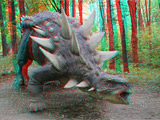


3D Pictures, Straight from your Desk
3D—it’s not just for the movies anymore. Go 3D on your own computer! Create your very own 3D pictures. It’s as simple as magic—no wonder we call it a wizard. All you need is an ordinary digital camera to take the source pictures… learn more


Share Your Photos on the Social Web
The social web has really been booming lately, from videoblogging to easy web photo galleries to picture posts on Facebook. And when you want to take a part in this gradual revolution, Zoner Photo Studio is here to help you along your way… learn more
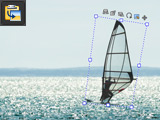
Bringing One Picture Into Another
You may have at some point felt the urge to create a collage on your computer, or otherwise fill up one picture with one or more other pictures. Or maybe you wanted you could get a laugh out of your friends by for example pasting yourself in front of the pyramids—but you didn’t know how. You can find out how in the paragraphs below… learn more
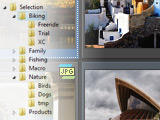
Organize Your Photo Collection
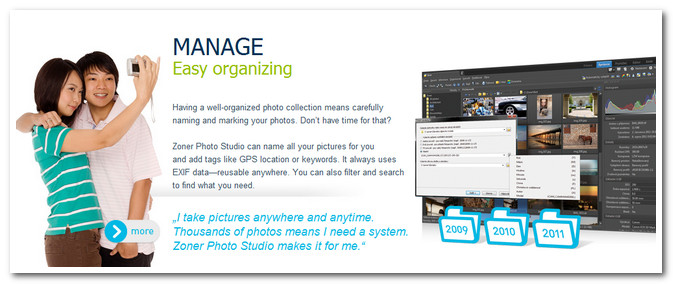
One of the great advantages of digital photography is that your costs per shot are zero—you can keep shooting as long as you have the time, interest, and card space. But this also makes archiving pictures and managing your photo collection more demanding than ever… learn more
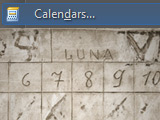
Making Calendars in Zoner Photo Studio
Even if we don’t count the major gift-giving seasons, there are many times in a year where you need a calendar to fit certain aesthetic and functional demands, and nothing commerically available meets that need… learn more
Developing from RAW
Many photographers idolize RAW, and many more take it less religiously but still use it as a matter of course. Then there are those who avoid it completely. If you do shoot to RAW, you need a way to get your pictures out of RAW into a format that can be used by anyone… learn more

Adding Text to a Picture
The ability to add text to a picture may sound like just a toy, but that really isn’t so. Anyone working with photographs or other pictures will encounter this need from time to time. For example: sometimes you need to sign a picture, but it doesn’t need to be a drawn signature. It’s nice to have an easy way to do that… learn more
Maximize Your RAW Support
If you shoot to RAW, but the kind of RAW in your camera is not supported by Zoner Photo Studio directly, the solution is simple: install Adobe DNG Converter… learn more

Fixing Photos’ Times And Dates
Digital photographs’ “picture-taken” time and date, stored in their EXIF data, are very important, not just because you can use them to tell when a picture was taken, but also because they make it easier to organize your photo archive. They can even help for some special purposes like marking pictures’ GPS location… learn more

Plug-ins: Supercharge Your Zoner Photo Studio
Zoner Photo Studio offers many tools for editing pictures, but sometimes you need a tool it doesn’t have. That’s where plug-ins shine. Plug-ins are modules that expand the program’s abilities to include more ways to edit pictures. Let’s take a look at how to work with plug-ins…learn more
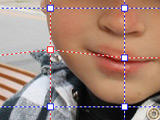
Serious Fun with the Morphing Mesh
Like other programs’ similar tools, the Morphing Mesh in Zoner Photo Studio is good for making runway models’ impossible figures even more impossible, as you may know. You probably aren’t working with such pictures, but the Morphing Mesh can still come in handy for you as well. Let’s take a look at improving a smile on a photograph using this tool… learn more

Photo Nametags for Your Gifts
Make gift giving at group occasions like school outings, holidays, family gatherings, birthdays, and children’s parties easier by tagging gifts with not just names, but also pictures of their recipients. Pre-readers will be especially happy that they, too, can help hand out gifts, or pick up their own… learn more
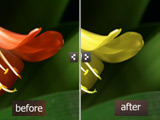
Changing Selected Colors in a Picture
Sometimes you need to fine-tune the colors of all things of one particular color in a picture without unwanted tinting of the rest of the picture. This could be the color of a car, clothing, or perhaps a flower. There’s an easy way to do it in Zoner Photo Studio: the Shift Colors window… learn more
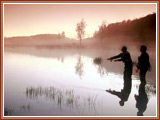
Framing a Picture
Paper photographs are much less common than in the past—today, most photos get viewed on a screen. They are still, however, the best-looking way to present your work. And a simple frame can make them look even better… learn more
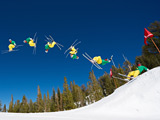
Be on the Move
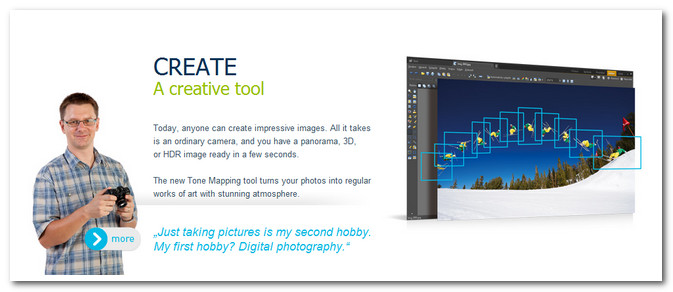
Ever take shots of a superb ski jump and wish you could freeze-frame that like the pros? Well, don’t envy them anymore—be them… learn more
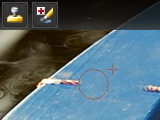
Retouching pictures
Retouching has always been among the more complex edits—one that not everyone was willing to try. But new technologies are making retouching an easy job that almost anyone can do… learn more
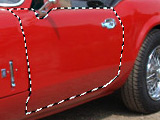
Working with Selections
Have you ever been working on a picture and wanted to do something to just the sky, or make the picture black-and-white except for just one thing? But that kind of magic is only for the pros, right? Wrong. It’s easy and you can do it too, thanks to selections… learn more
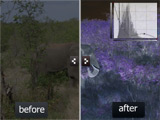
Improving Exposure with Histogram Curves
The most basic edit for any photograph should be exposure correction. There are any ways to do this job. One of the most advanced of ways is via the Curves window, which we’ll take a look at here… learn more
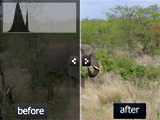
Improving Exposure by Editing Levels
Most digital photos need at least a couple of adjustments before publishing: they need brightening and increased contrast. The Levels window is an ideal tool for this job. Let’s take a look at how to do the work… learn more
On the Photo Trail, GPS Style
Not many GPS devices have built-in cameras yet, but these devices still make great companions for photo shoots in town and country. Not only will a GPS device lead you to the pot of gold at the end of the rainbow, it will also lead you to the best vantage point for photographing the rainbow… and track the route you took to get there as well… learn more

Creating Black-and-white Pictures
In the days of film photography, it was much more common to work with black-andwhite photos (also called grayscale) than it is today. There were two reasons for this. One, black-and-white processing was simpler, so it had the same advantage that digital does today: it could be do-it-yourself. Two, black-and-white film was cheaper than color film… learn more

Uploading Pictures to Picasa Web Albums
Zoner Photo Studio can upload pictures to Facebook, Flickr, and Picasa Web Albums. Here we’ll look at the last of these three… learn more
Leveling Tilted Skies
There are a few basic guidelines that must be kept for a picture to be pleasant to look at. One of them is to keep a level horizon. But when you can’t do that in-camera, all is not lost… learn more
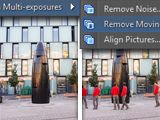
Removing Moving Objects
Zoner Photo Studio 13 brings to the series an attractive way to remove moving objects from a picture. At first it may just seem like a toy, but really it can be much more than that—for example, for making your picture of Notre Dame Cathedral be about Notre Dame, and not about 86 people walking around in front of Notre Dame… learn more
Resizing Photos
Sooner or later even the most casual photographer needs to resize a picture. Maybe to reduce the size before e-mailing, maybe before uploading it as a profile picture on, say, Facebook. Zoner Photo Studio offers two tools for this job. In this article, we’ll examine them both… learn more
Cropping pictures
Surely it’s happened to you too: you took a basically good picture, but there was more empty space around the edges than you wanted. In these situations, the simplest solution is to take out the scissors—well, the crop tool—and cut away the excess… learn more
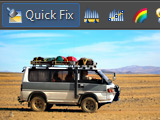
Faster, Easier Work with Zoner Photo Studio 13
Batch edits are one of the ways you can use to quickly edit a large number of pictures. Zoner Photo Studio offers a special batch filter window that you can use to automatically use several edits in order on a picture or pictures, saving you even more time… learn more
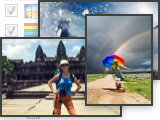
Using Zoner Photo Studio 13’s Batch Filter Window
Batch edits are one of the ways you can use to quickly edit a large number of pictures. Zoner Photo Studio offers a special batch filter window that you can use to automatically use several edits in order on a picture or pictures, saving you even more time… learn more

Last-minute Easter Greetings Made Easy
Use Zoner Photo Studio’s Envelopes feature to create a card for your loved ones. Place Envelopes around your photos and you’ve instantly got your own Easter greetings to use in print or on the screen. All it takes is a few minutes in Zoner Photo Studio… learn more
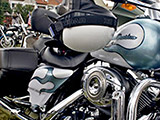
Using HDR to Get More Detail in Your Pictures
A HDR (High Dynamic Range) function helps meld two or three shots of exactly the same scene with differing exposure levels into a single picture with enhanced light/shadow detail. HDR work is sometimes nicknamed “sandwiching”… learn more

Make Your Own Valentine Day’s Card
Valentine’s Day is one of the holidays closest to everyone’s heart. It’s a nice time to delight a loved one in the middle of a long winter. And the best way to celebrate Valentine’s Day is with a Valentine’s Day card. Use your favorite photo to create your own beautiful, personalized Valentine… learn more
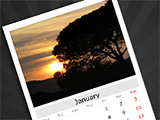
Create Your Own Calendar
One good way to give yourself, your friends, and your family a memento of beautiful places or moments from the last year is to compose a calendar that shows off each of those places or memories… learn more
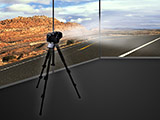
Creating Panoramas
In Zoner Photo Studio’s Browser window, select the series of photos that you want to turn into a panorama. Use the Panorama… command in the Publish menu. At the start of the Panorama wizard, you have one last chance to change which pictures will go into your panorama… learn more
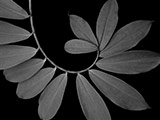
The Golden Ratio
The search for the most beautiful ratio between the sides of rectangles, triangles, etc. dates back to the times of the Greeks, Romans, and Egyptians. Their architects built pyramids and temples that we appreciate to this day for their beauty and elegance… learn more
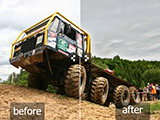
HDR Processing
The HDR (High Dynamic Range) function assembles multiple photos with varying exposure ranges into a single picture. This is sometimes called sandwiching. HDR helps solve the problem of camera sensors’ limited dynamic range… learn more